
Island Odyssey: Columbia University Step Challenge
Faculty and Staff Only
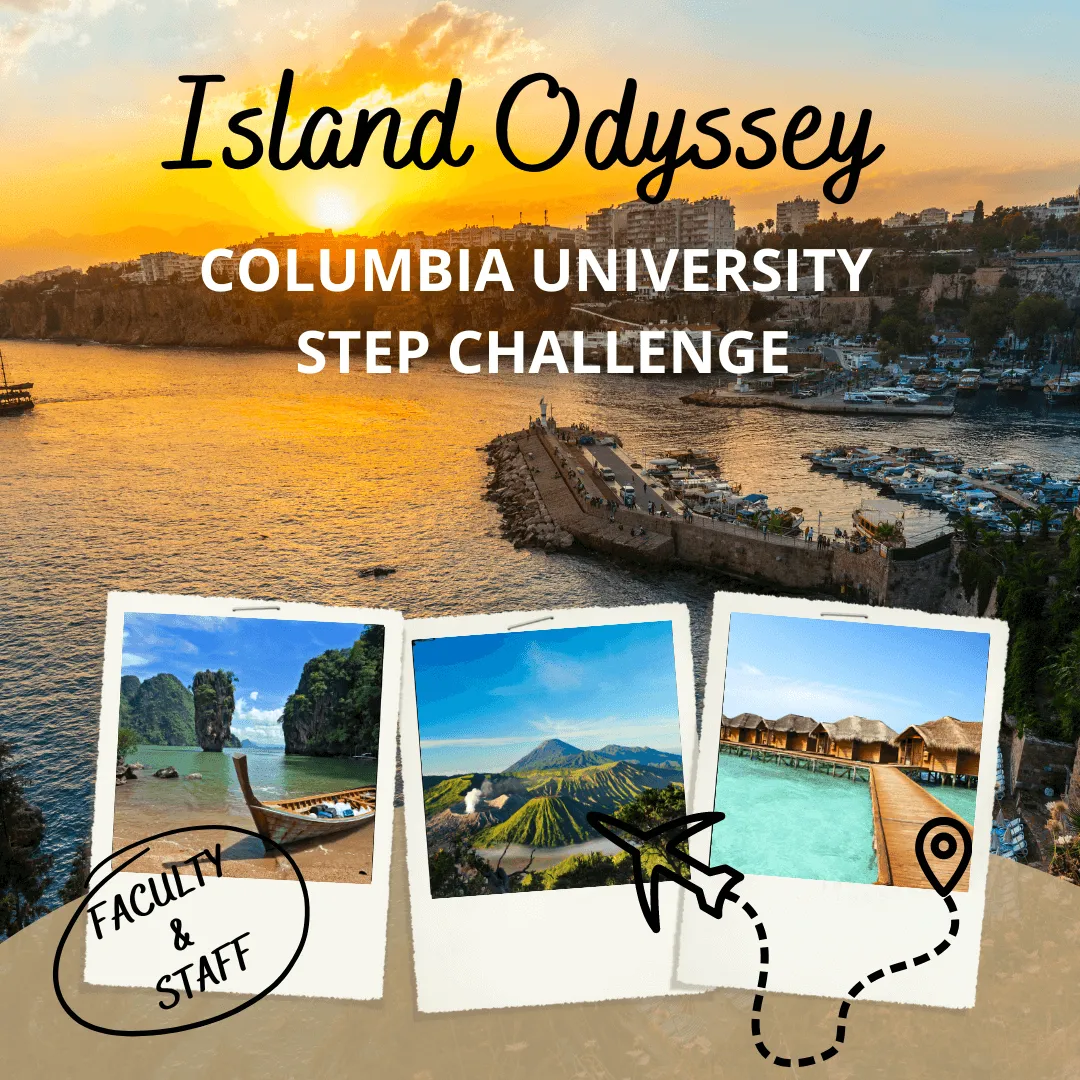
Pack your bags for a virtual retreat to the islands to enjoy some much-needed rest, relaxation, and steppin’. For two weeks, faculty and staff will virtually hop between exotic islands, learn fun facts about each location, and unlock mindfulness tips along the way. The challenge will be hosted on the mobile app MoveSpring, where you can track your steps, share photos, and more.
We can’t wait to island hop with you!
Monday, April 17 – Sunday, Apr 30, 2023
Participants will aim for 7,000 steps daily to contribute to our collective step goal which will drive our journey through the islands. You will also be encouraged to complete mindfulness activities along the way.
- CHALLENGE MVP: the participant with the highest total step count by the challenge end
- BEST CHEERLEADERS: 2 participants who have shown consistent encouragement in the chat by rooting for others and keeping the team energized
- TOP STEPPER RAFFLE: The 20 participants with the highest total step will be entered in a raffle (3 prize winners)
- STEP CONTRIBUTOR RAFFLE: all participants who have contributed to the total step count will be entered into a raffle to win healthy prizes (2 prize winners)
- MINDFULNESS RAFFLE: all participants who have indicated completing a mindfulness practice 8 times throughout the challenge will be entered to win a prize
You can create your MoveSpring account on a computer or by downloading the MoveSpring app to your mobile phone. When prompted, use the organization code CUWELL.
- Click this join link: https://link.movespring.com/join?orgCode=CUWELL&groupCode=W97P7X
- Follow the steps to create your MoveSpring account & connect a device. You’ll automatically be added to the challenge!
*Already have an account?
Click this join link, and you’ll be added to the challenge: https://link.movespring.com/join?orgCode=CUWELL&groupCode=W97P7X
When you sign up for MoveSpring, you connect a wearable device, smartphone, or selected manual entry to track your steps. Here is how to make sure your steps and all other activities count:
- Remember to sync your data from your device to the app to update your total steps each day. Learn more about syncing here, as it varies by the type of device you have.
- Count other physical activity (e.g.: yoga or biking) and wheelchair distance towards your step goal by using the activity converter on MoveSpring.
*See a list of connectable devices here.
Stay in touch with your colleagues throughout the challenge by using the chat function on the MoveSpring app. Here, you can share an active selfie, motivational thought, and more. You can also “like” and comment on posts in the app!
Check out the MoveSpring Help Center, how-to videos, or contact their support team. To contact MoveSpring Support in the mobile app, tap the menu bars at the top left corner of the dashboard and then tap the green Message support button at the bottom of the utility panel. On web, click the blue chat icon at the bottom right of the screen. You can also reach the MoveSpring Support team at: [email protected]